Sign & Scan PDF Pro brings together everything you need for your paperwork, with no account and without sending your documents to the internet.
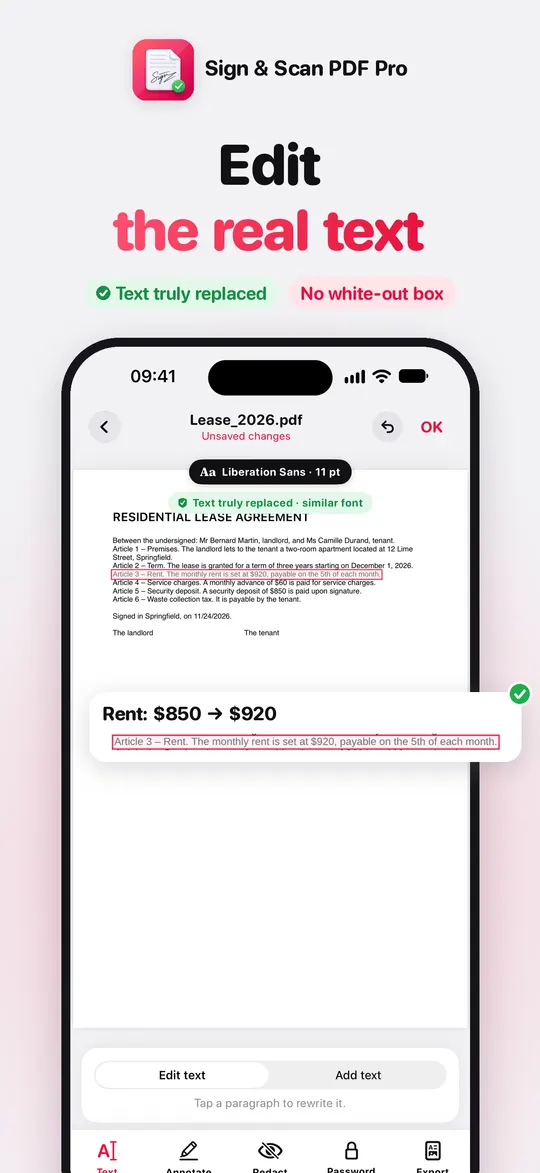
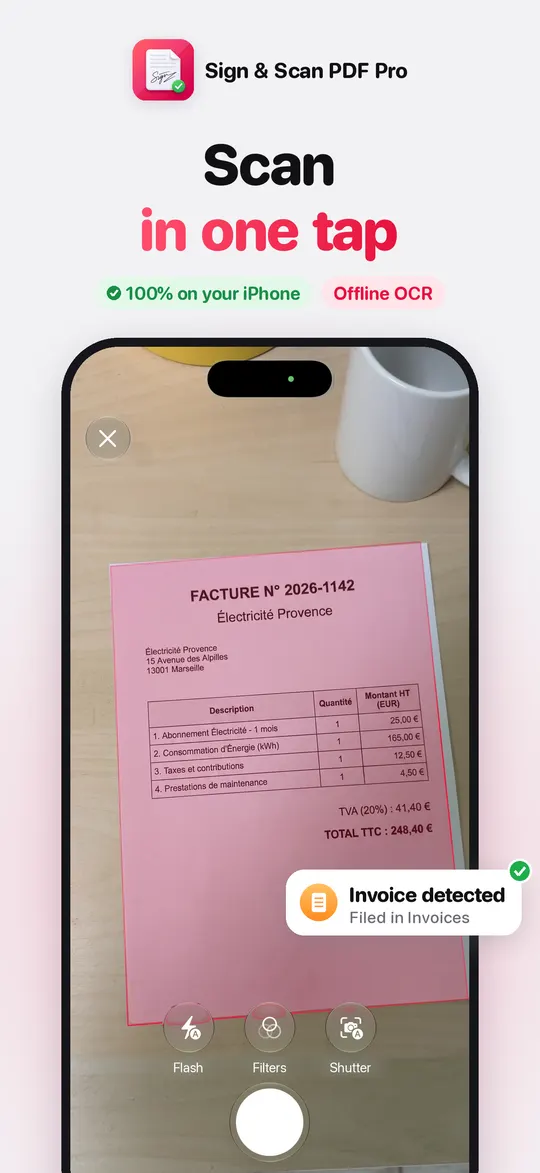
Scan documents with edge detection and offline OCR: find a word even inside a scan. Truly edit the text of a PDF (the original text is replaced, not covered up), annotate, reorder pages, merge, compress.
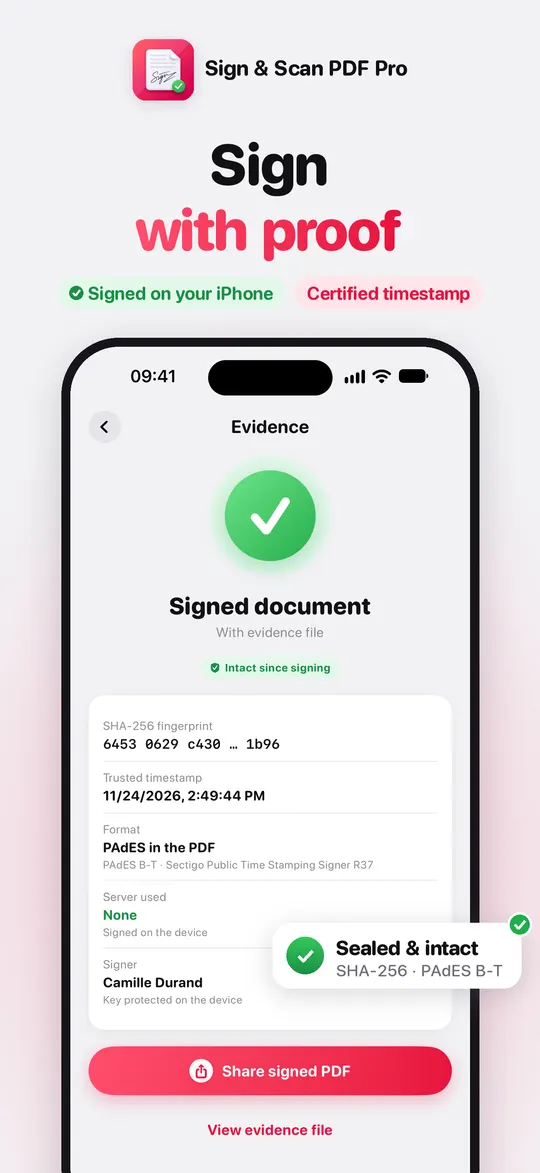
Sign with real proof: PAdES signature inside the PDF, trusted timestamp and evidence file. Have someone else sign with a link and a code.
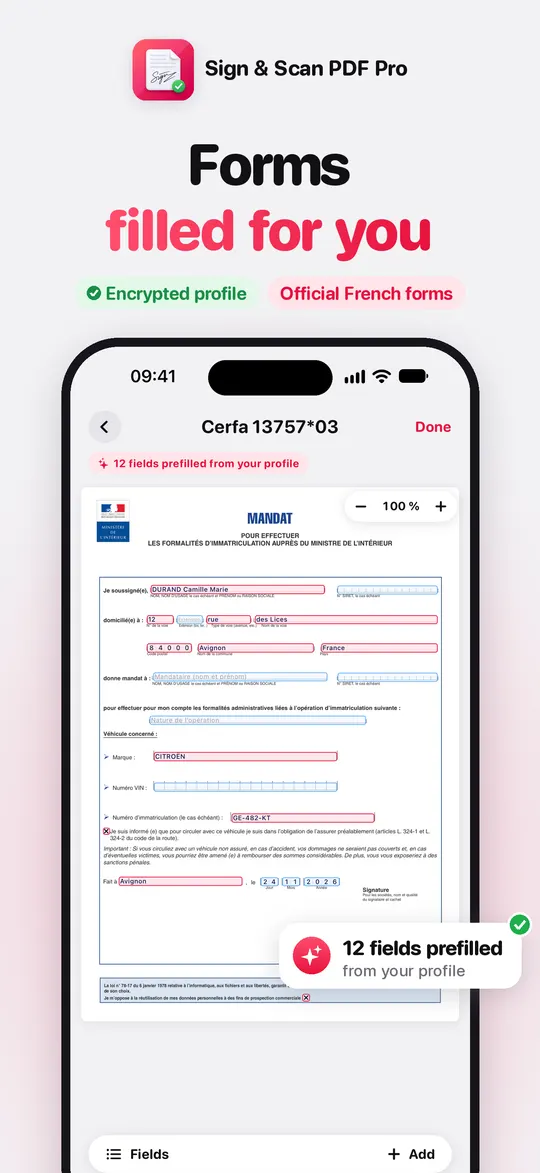
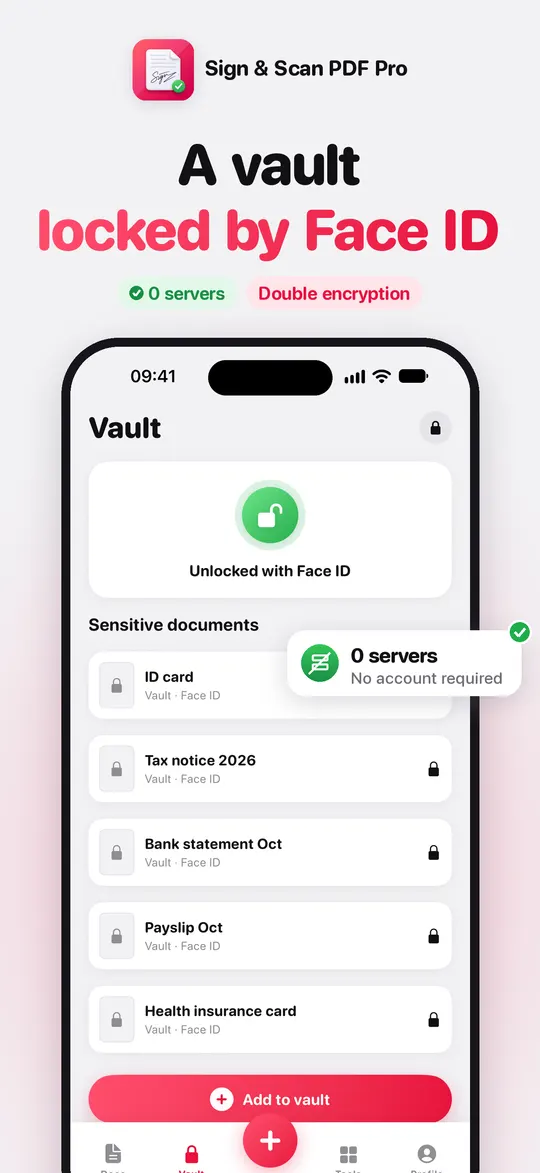
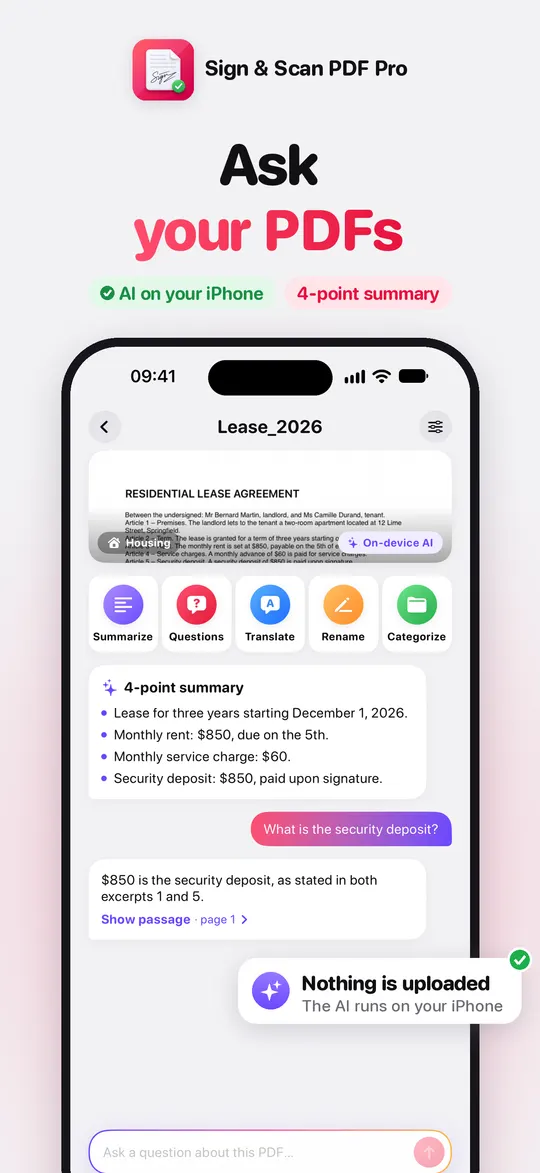
Fill in forms in one tap from your profile, even on a scanned form. Keep sensitive documents in a vault locked by Face ID. Summarize a document or ask it questions, with AI that runs on the iPhone.
Free with no watermark to scan, sign, annotate and organize. Pro (monthly, yearly with a 7-day trial, or lifetime) unlocks text editing, smart forms, the assistant and send for signature. Available in 30 languages, on iPhone, iPad and foldable iPhone.